
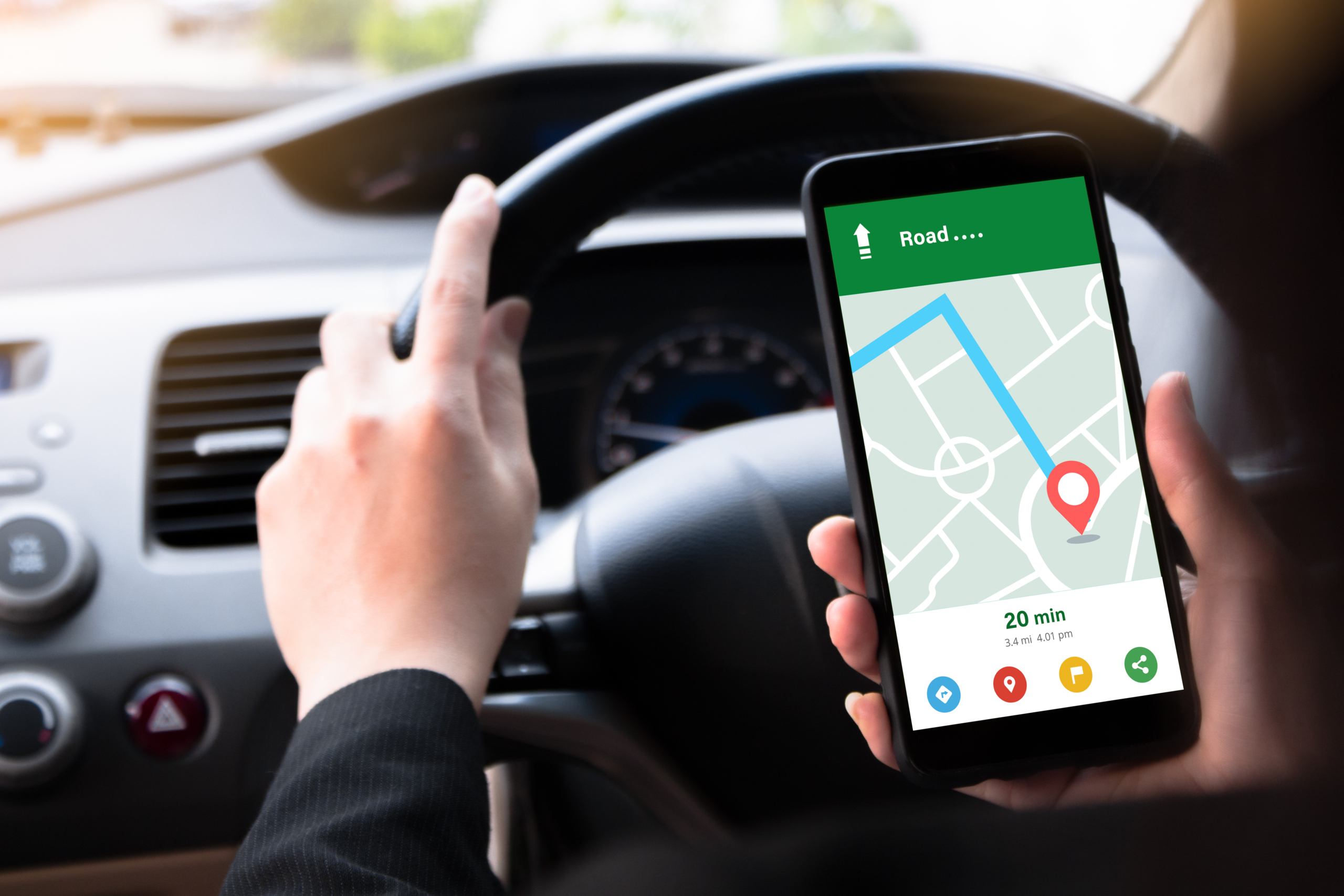
Why the Google Maps Pack Matters
Google Maps Pack wins start here. If you want your business to show up where customers are searching, the google maps pack is the shortcut to visibility, calls, and foot traffic. Those top three map results that show under the search bar grab attention and trust fast. People see the rating, distance, hours, and a quick snapshot of your business, and they decide within seconds. Ranking in that box can fuel steady growth for local service providers, retail shops, restaurants, healthcare practices, and more.
At Greenlight Designs, we help businesses unlock this prime real estate with a practical, ethical approach. With over 15 years in digital marketing and deep local roots in Waterford, Wisconsin, our team focuses on the signals that truly move the needle: reviews, proximity, and page signals that prove relevance and authority. This guide breaks down how the google maps pack works and what you can do today to improve your chances of showing up ahead of rivals.
How the Google Maps Pack Works in 2025
Google’s local algorithm blends three core factors: relevance, distance, and prominence. Relevance measures how well your business matches the query. Distance looks at how close your business or service area is to the searcher or the location named in the query. Prominence reflects your reputation across the web, including reviews, links, and brand mentions.
When people talk about winning the google maps pack, they are usually talking about improving three controllable areas: collecting meaningful reviews and responding well, optimizing for proximity with accurate business data and location strategy, and building strong on-page and on-profile signals that show exactly what you do and where you do it. The good news is that small, consistent steps compound. You do not need tricks. You need a plan and follow-through.
Pillar 1: Reviews That Move the Needle
Why Reviews Matter So Much
Reviews are social proof, and they also act as ranking signals. The average star rating, the number of reviews, the pace of new reviews, and the keywords inside reviews all help paint a picture of your business. Recent reviews tell Google and customers that you are active and trustworthy right now. Owner responses show you care about service and quality. Together, these factors can tip you into the google maps pack for searches that matter.
Build a Simple Review Engine
- Ask at the right moment. Request a review right after a job is completed or a customer expresses satisfaction. Timing boosts response rates.
- Make it easy. Share a direct Google review link in text and email. Add a QR code at checkout or on service invoices.
- Use a short message. Keep your request friendly and simple. Example: We loved working with you. Would you share a quick Google review to help others find us?
- Automate politely. Set up reminders 3 to 7 days later for those who did not respond. Do not spam. One reminder is enough.
- Coach your team. Anyone who interacts with customers should know how to ask for reviews and when to hand off the link.
- Do not gate reviews. Never filter for only happy customers. It violates policy and can get your profile flagged.
- Diversify sources. Google is the priority for the maps pack, but industry sites and Facebook also help overall trust.
Respond the Right Way
- Reply to every review within a few days. Use the customer’s name when possible and reference the service or product.
- Include subtle keywords naturally. Thank you for choosing our Racine plumbing repair service is fine. Avoid stuffing.
- Keep it calm for negative reviews. Invite the customer to continue the conversation offline and resolve the issue.
- Do not argue in public. A professional reply shows future readers you take responsibility and fix problems.
- Report violations. If a review violates policy or is clearly fake, flag it and document your case.
What If Your Review Profile Is Weak
If you have few reviews, low recent activity, or some low-star ratings, do not panic. Start with a 90-day push to gather authentic feedback. Focus first on your happiest customers and completed projects. Train your team to ask, and track weekly progress. Add a simple review request to your email footer and text scripts. Over time, consistent effort can lift your average rating, improve relevance through review keywords, and help you compete in the google maps pack.
Pillar 2: Proximity and Real-World Location
Understand How Proximity Works
Proximity is powerful. If a searcher is in Kenosha and types best pizza, Google often shows nearby options rather than a place 30 miles away. You cannot force distance, but you can respect it. For storefronts, your pinned address is your center of gravity. For service area businesses, your declared service areas help but do not override the searcher’s location. This is why some queries show you in the pack from one neighborhood but not the next.
Practical Proximity Plays
- Use your precise address. Make sure your Google Business Profile shows the correct suite number and map pin.
- Choose the right categories. Your primary category is a strong relevance signal. Add secondary categories that match your services.
- Set realistic service areas. Do not list every city in the state. Focus on where you can respond quickly and deliver great service.
- Keep hours accurate. Update holiday hours and special closures. Consistent hours signal reliability.
- Build local citations. Ensure your name, address, and phone are consistent across Yelp, Bing, Apple Maps, and major directories.
- Publish local photos. Share real photos of your storefront, fleet, team, and work. Fresh visuals help engagement and trust.
- Collect neighborhood-specific reviews. Ask customers to mention the city or neighborhood when it feels natural.
Multi-Location Strategy
- Create a separate Google Business Profile for each physical location with unique photos and local details.
- Build a dedicated landing page for each location with NAP details, local testimonials, and a map embed.
- Gather reviews per location. Do not funnel all reviews to your main office.
- List each location in local directories and community sites. Join chambers of commerce where you operate.
- Track each location with UTM-tagged website links and call tracking numbers configured to keep NAP consistent.
Pillar 3: Page Signals and On-Page Local SEO
Make Your Google Business Profile and Website Work Together
- Match NAP across all platforms. Ensure your name, address, and phone number on your website match your Google profile exactly.
- Link your Google profile to the correct landing page. Do not always send users to your homepage. Use a relevant service or location page.
- Complete every profile field. Add services, products, attributes, and business descriptions with natural keywords.
- Post updates weekly. Use Google Posts for offers, events, and tips. Regular posting increases engagement signals.
- Add high-quality photos and short videos. Show the inside, outside, team, and work in progress.
- Implement LocalBusiness schema on your website to reinforce your NAP and business details.
- Boost mobile performance. Fast, mobile-friendly pages reduce bounce and support higher engagement.
Build a High-Converting Local Landing Page
- Use a clear H1. Example: Milwaukee Roof Repair and Replacement. Include your main service and location.
- Write a short value-driven intro that explains what you do, who you help, and why you are different.
- Add trust elements. Include star ratings, badges, warranties, or affiliations to reduce doubt.
- Embed a Google map and driving directions. This improves user experience and signals location relevance.
- Show local reviews with names and cities. Real testimonials support both conversion and relevance.
- List services with brief descriptions and pricing ranges if possible.
- Answer FAQs about timing, costs, warranties, and service areas.
- Include strong calls to action. Offer click-to-call, request a quote, and schedule forms above the fold and after key sections.
- Add team bios, licenses, and photos to increase trust and authority.
- Link to nearby neighborhood pages or related services to build an internal link network.
Supportive Content and Local Authority
- Publish neighborhood guides that relate to your services. For example, a contractor might cover permit tips by city.
- Sponsor local events and ask for a website link on the sponsor page.
- Join local associations and list your business in member directories.
- Pitch local media with helpful stories or data roundups that reference your city and services.
- Create partnerships with complementary businesses and exchange resource links where appropriate.
Tracking, Testing, and Reporting
- Add UTM parameters to your Google Business Profile website link and appointment link to see traffic and conversions in analytics.
- Use call tracking numbers that forward to your main line, and ensure the tracking number is reflected correctly in your profile and schema to avoid confusion.
- Monitor Google Business Profile Insights for calls, messages, direction requests, and map views.
- Use a rank tracker that checks positions by ZIP code to see where you appear in the google maps pack across your service area.
- Track review velocity and response time. Aim for steady growth and fast replies.
- Measure real results. Tie calls, forms, and closed deals back to map traffic where possible.
Common Myths and Mistakes
- Stuffing keywords into your business name. This is against policy and can lead to suspension.
- Buying or faking reviews. It risks removal and long-term damage to your brand.
- Using P.O. boxes or virtual offices to fake locations. Google wants real places that serve customers.
- Listing every city in your service area. Keep it realistic and focused.
- Relying on geotagging image files. EXIF tags are not a ranking shortcut.
- Ignoring your website. Strong on-page signals and user experience still matter for the maps pack.
- Leaving duplicate or old listings active. Clean up duplicates to avoid confusion.
- Skipping holiday hours updates. Incorrect hours frustrate users and hurt trust.
Quick Start Checklist
- Claim and verify your Google Business Profile. Fill out every field and select the best primary category.
- Add real photos of your location, team, and work. Upload at least 10 high-quality images to start.
- Create or update a location-specific landing page. Match the NAP and include a map embed, services, and CTAs.
- Generate a direct Google review link and add it to your emails, invoices, and text templates.
- Train your team on when and how to ask for reviews. Role-play the ask so it feels natural.
- Fix citations. Make your NAP consistent across major directories and Apple Maps.
- Post an update on your profile once a week for the next month. Share an offer, a tip, or a recent project.
- Track results with UTM parameters and a call tracking number. Review weekly.
- Respond to every new review within 72 hours. Thank happy customers and resolve issues quickly.
- Reassess categories, services, and attributes after 30 days based on what searches are driving calls.
How Greenlight Designs Helps You Win the Google Maps Pack
Greenlight Designs brings a practical, data-informed approach to local SEO. Based in Waterford, Wisconsin and serving Southeast Wisconsin communities like Milwaukee, Racine, and Kenosha, we build strategies that fit your goals and budget. We have honed a system that improves visibility and conversions without gimmicks. Here is what our team can do for your business.
- Google Business Profile optimization. We audit categories, services, descriptions, photos, and posts, then implement improvements.
- Review generation program. We set up the messaging, links, and reminders that make review collection simple and steady.
- Local landing page design and development. Our web team creates fast, mobile-friendly pages that match your brand and convert traffic.
- Technical SEO and schema. We align site structure, internal links, and markup to reinforce local relevance and clarity.
- Content and local authority building. We plan and produce helpful local content that earns links and attention.
- Professional photography and videography. Real visuals of your space, team, and process build trust and engagement.
- Reporting and guidance. We track rankings by ZIP code, calls, and leads, then suggest next steps that keep progress moving.
Every plan from Greenlight Designs is tailored. Whether you are a single-location shop in Racine or a multi-location brand across Milwaukee and Kenosha, we map out clear actions and handle the heavy lifting. Our goal is simple: more calls, more foot traffic, and stronger brand recognition through the google maps pack.
FAQ: Google Maps Pack
What is the google maps pack?
It is the set of up to three local results with a map that appears for location-based searches. Each listing shows your name, rating, hours, and quick actions like call or directions.
How long does it take to rank?
Timelines vary. Some businesses see movement within a few weeks after cleaning up their profile and page. Competitive industries often require several months of consistent effort, especially for reviews and local authority.
Do I need a website to rank?
You can appear without a website, but a strong local landing page almost always helps. It improves relevance, conversion, and user trust, and it gives you more control over your message.
Can I rank in nearby cities?
Yes, but proximity matters. A solid plan includes city-specific pages, local links, and reviews that mention those cities. Results vary by searcher location and competition.
What kind of reviews help most?
Authentic, detailed reviews that mention the service and city are ideal. Recency and steady growth matter more than a sudden spike.
Is posting on my profile worth it?
Yes. Fresh posts can increase engagement and show you are active, which supports prominence and conversions.
Get Started Today
If you want to step into the google maps pack and stay there, start with the three pillars: build a healthy review engine, respect proximity with accurate data and smart location pages, and strengthen your page signals on both your Google profile and website. Small improvements add up fast when customers are nearby and ready to buy.
Ready for a partner that knows local inside and out. Greenlight Designs is here to help. From Waterford to Milwaukee, Racine, and Kenosha, our team is focused on real outcomes. Reach out to Greenlight Designs to schedule a strategy call and see exactly what it will take to outpace your competitors in the map results. Your next customer is already searching. Let’s help them find you first.



Leave A Comment